Turn One Product Photo Into 12 Ad-Ready Angles With Gemini's Nano Banana Pro (2026)

Shooting a product from 12 different angles doesn't mean 12 different shoots. It's the same set, the same lighting, the same model — just repositioned and recaptured for every single angle. That's not more shoot days, it's more time and more cost: more setups to light and reframe, more images to cull, more retouching before any of them are ad-ready. Gemini's Nano Banana Pro image model cuts that down to one photo and one prompt.
The trick isn't asking an image model to draw all 12 angles directly — the further it strays from the source photo, the more product details drift. Instead, you first get Gemini to write 12 separate, highly detailed prompts. Each one locks in the same product, the same lighting, and the same setting, and varies only the camera angle. Then you run those 12 prompts through Nano Banana Pro, using your original photo as the reference image each time.
What You Need
One clean product photo. A phone shot works fine, as long as the product is in full frame, in focus, and reasonably well-lit.
Gemini, open in a browser or the app. Nano Banana Pro is the image model doing the actual rendering — you paste the prompt into a normal Gemini chat and attach your photo.
About two minutes to get the 12 prompts. Generating and refining the actual images takes longer, depending on how many angles you end up keeping.
The Workflow
1. Upload your product photo to Gemini. This becomes the reference image every one of the 12 prompts will point back to.
2. Paste the master prompt below. It tells Gemini to study the photo and write 12 standalone, richly detailed prompts, each built around a different camera angle, with the product, lighting, and setting locked in place.
3. Read through the 12 prompts Gemini returns. If two angles feel too close to each other, ask Gemini to swap one out before generating anything.
4. Batch-generate all 12 first, as a quick preview. Running every prompt together gives you a fast, lower-resolution mood board of the whole set — enough to judge the overall look and feel before committing to anything.
5. Regenerate the angles you actually want, one at a time. This is the step that produces the full-quality image you'll actually use in the ad. The batch run is for previewing the vibe, not for the final asset.
The Master Prompt Template
This is the structure to paste into Gemini. Swap the bracketed placeholders for your own product details — the logic underneath works the same whether you're shooting shoes, skincare, furniture, or packaging.
TASK: Generate 12 Image Generation Prompts for a Consistent Product Photo Sequence
I need you to generate a set of 12 distinct, highly detailed prompts for an image generation model. The core challenge is to maintain strict subject and environment consistency across all 12 prompts, while dramatically varying the camera perspective and angle for each image.
The [SUBJECT], [OUTFIT / PACKAGING / SURFACE DETAILS], and [LOCATION OR BACKGROUND] MUST be present in every single prompt. Use this description as the baseline for the subject and scene: [insert a 1–2 sentence description of your product and setting here].
Generate a numbered list (1 to 12). For each number, output a complete, standalone prompt suitable for a high-quality image generator (like Nano Banana Pro). Each prompt must be unique and prioritize a distinct camera angle and perspective — vary this dynamically and realistically across the full set rather than repeating similar framing.
The product in focus is [YOUR PRODUCT NAME]. Keep the camera angles dynamic and realistic, and keep lighting and environment identical across all 12 prompts.
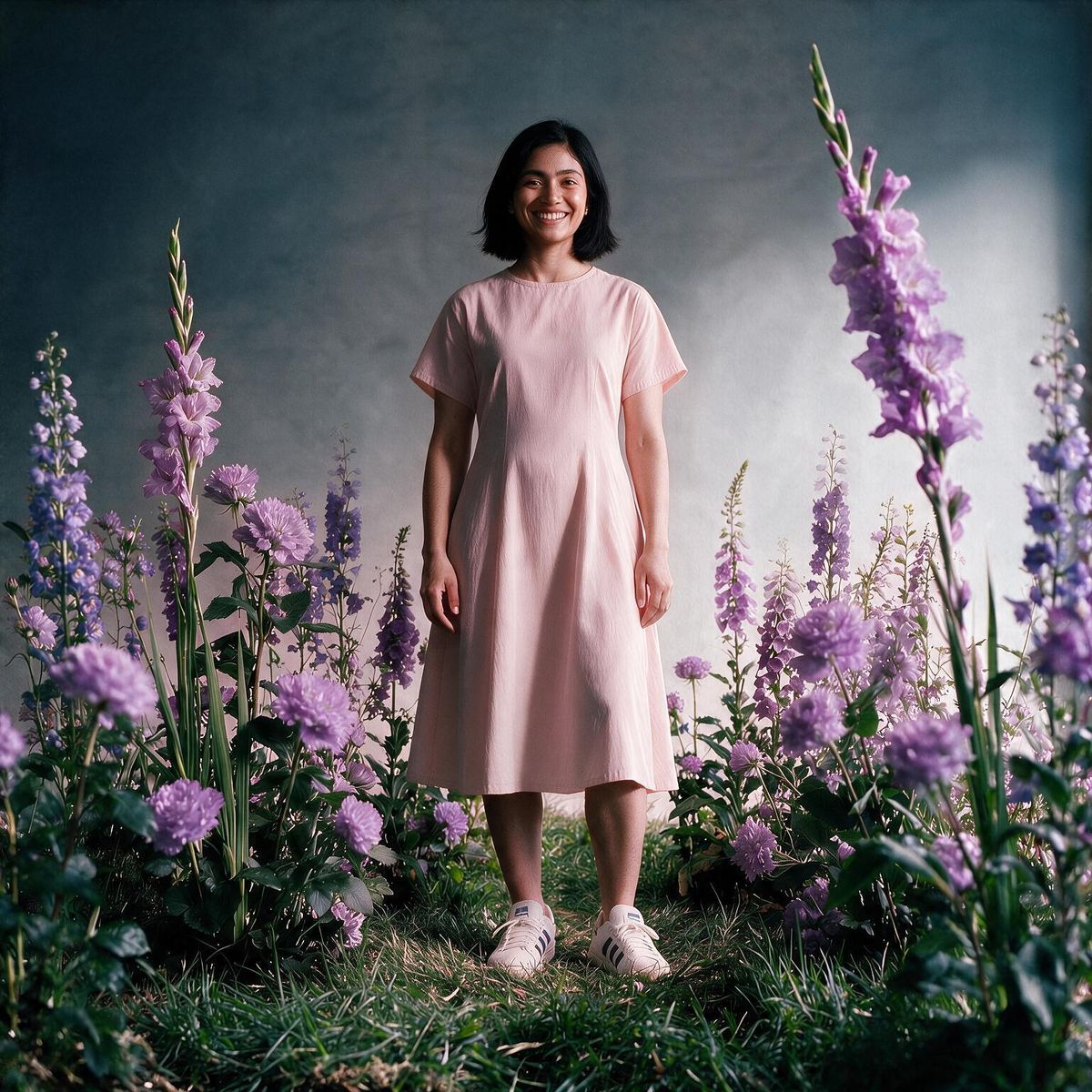
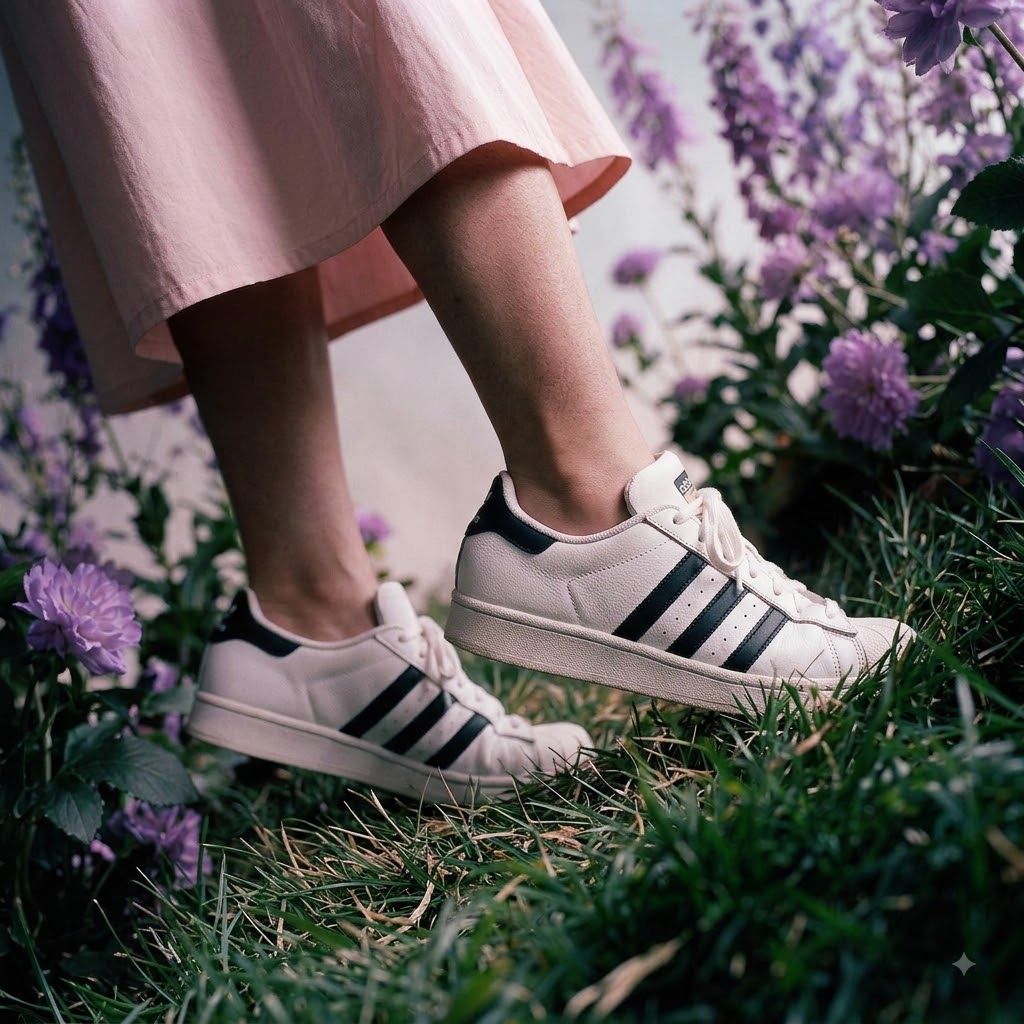
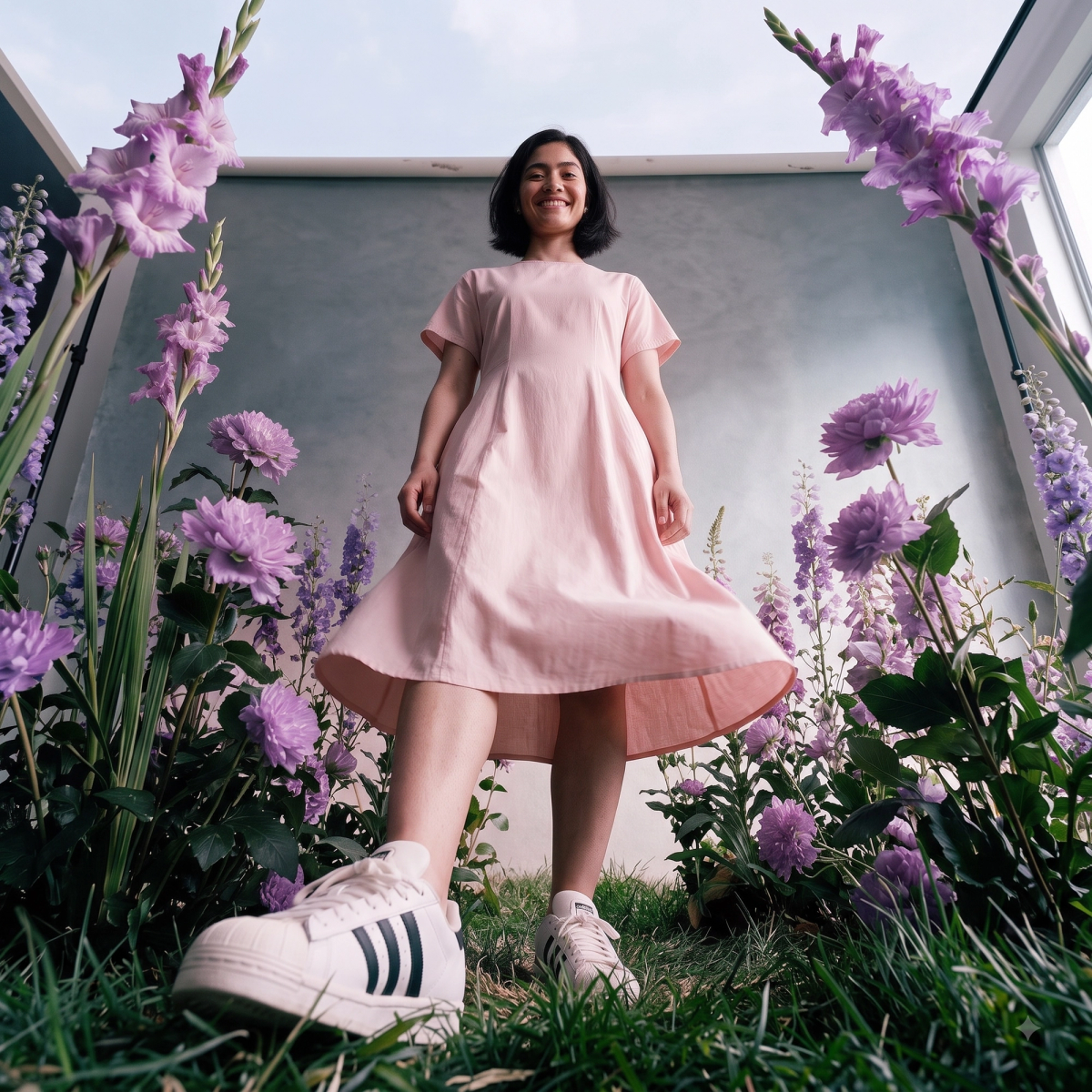
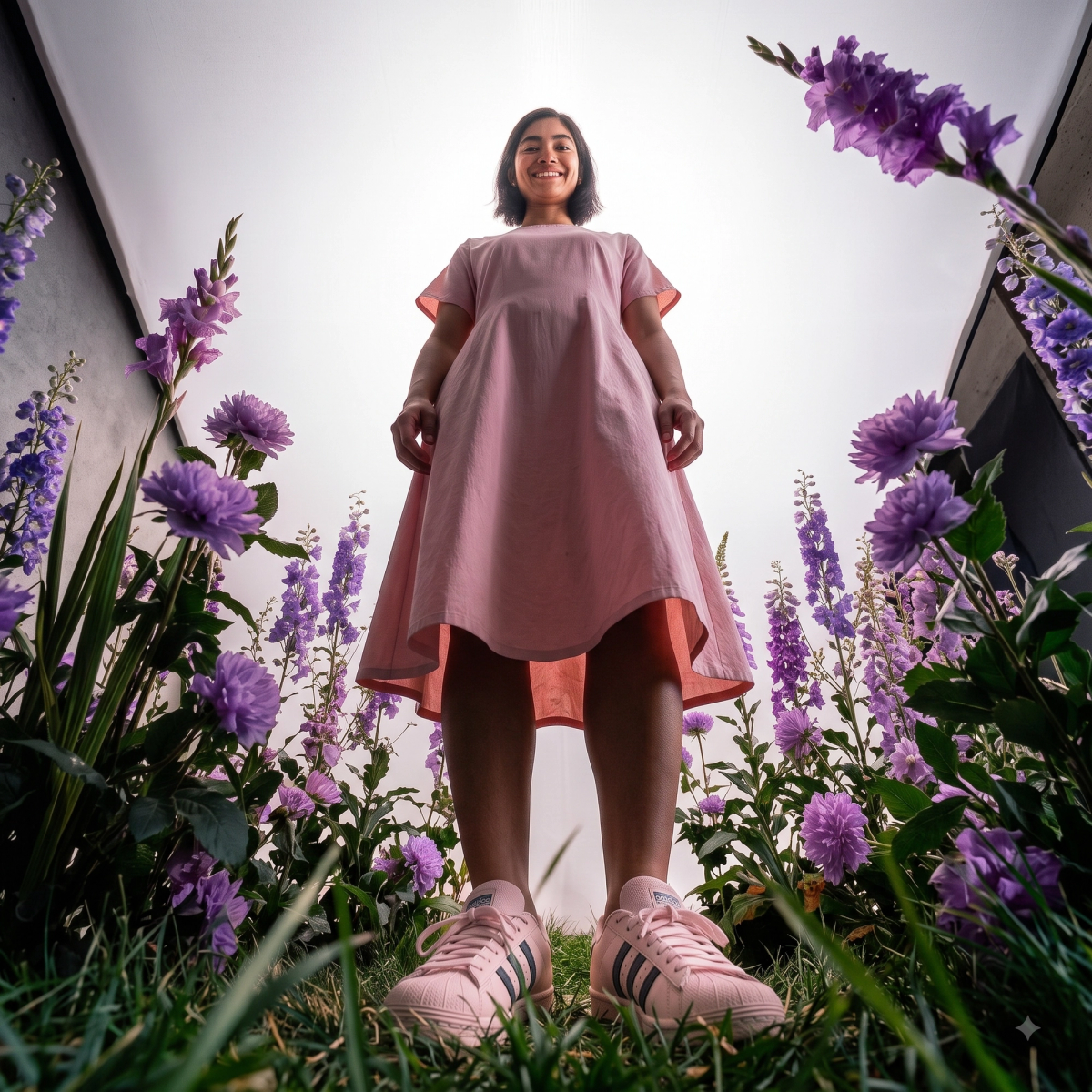
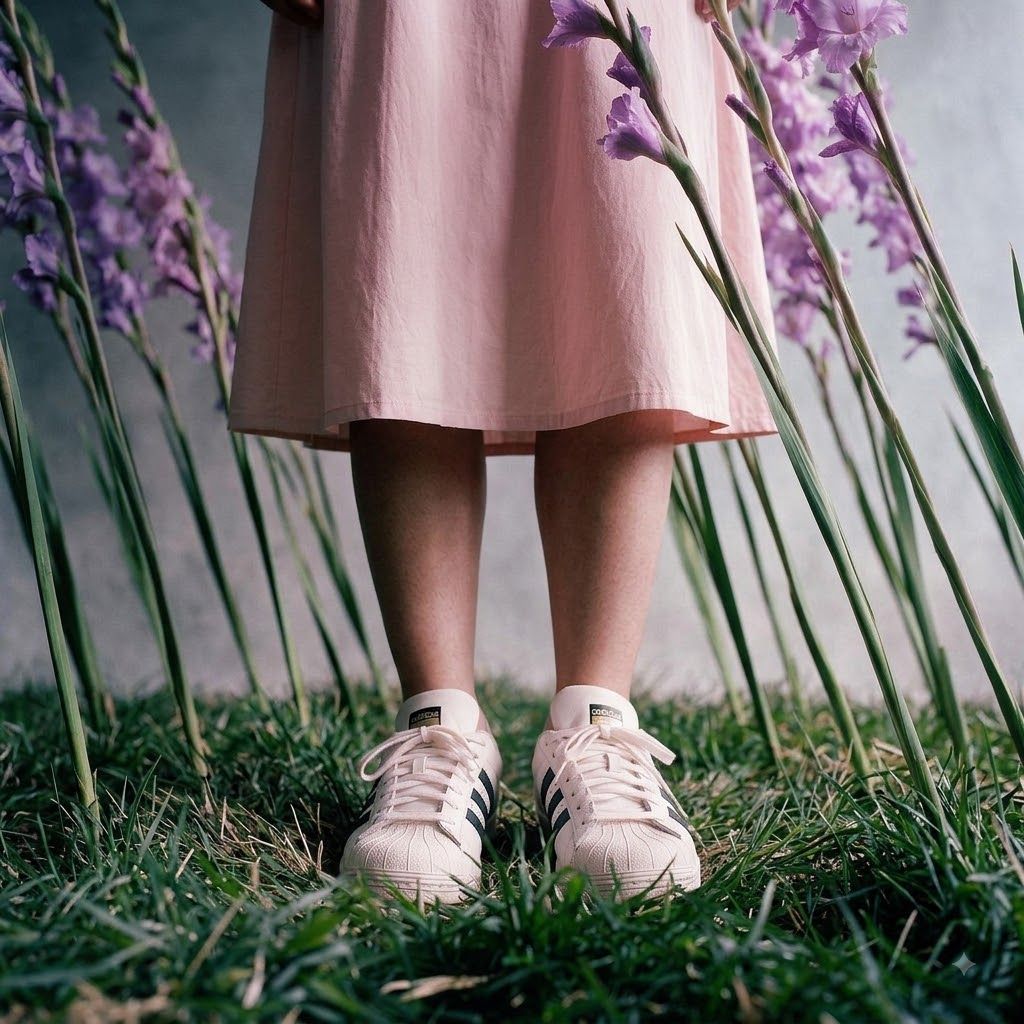
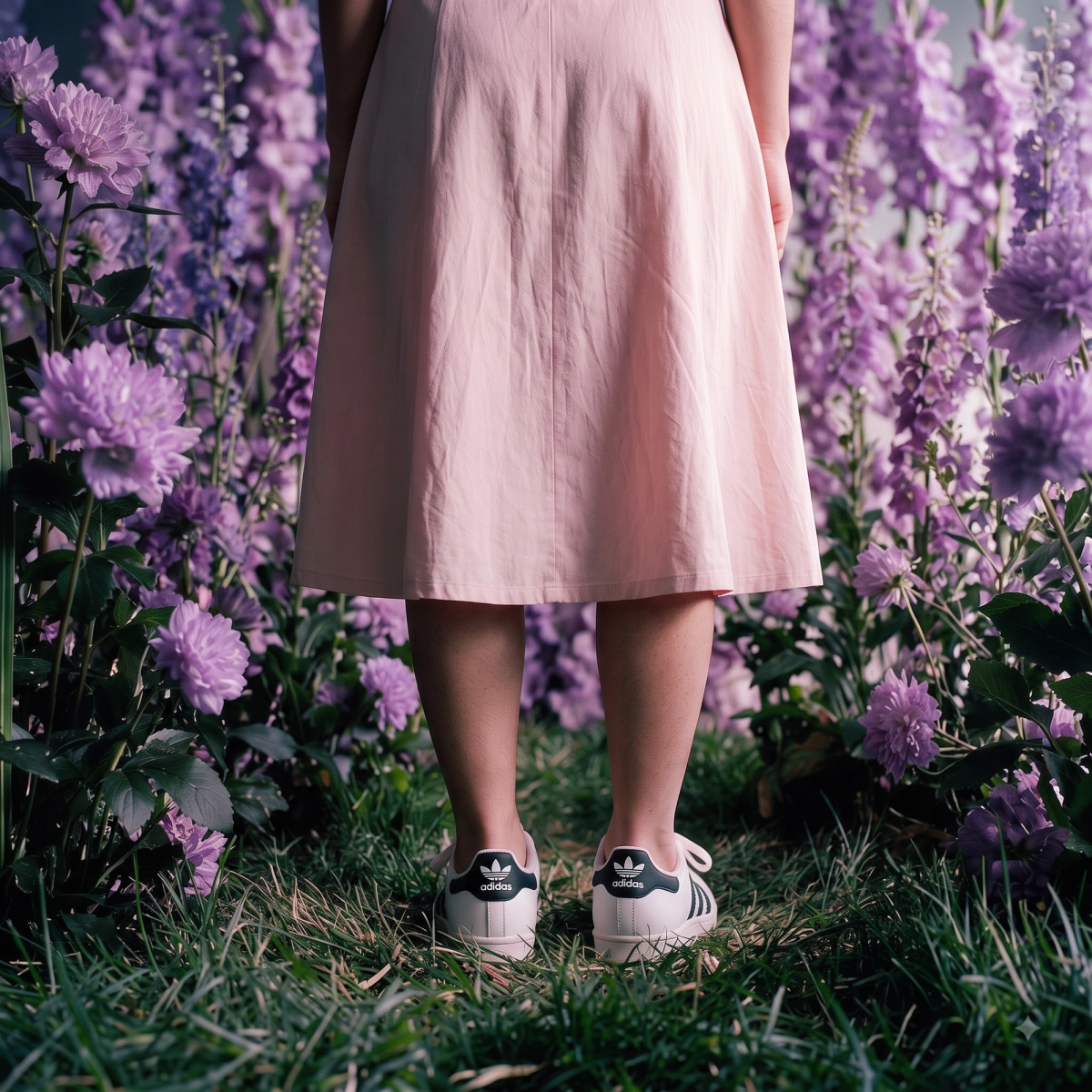
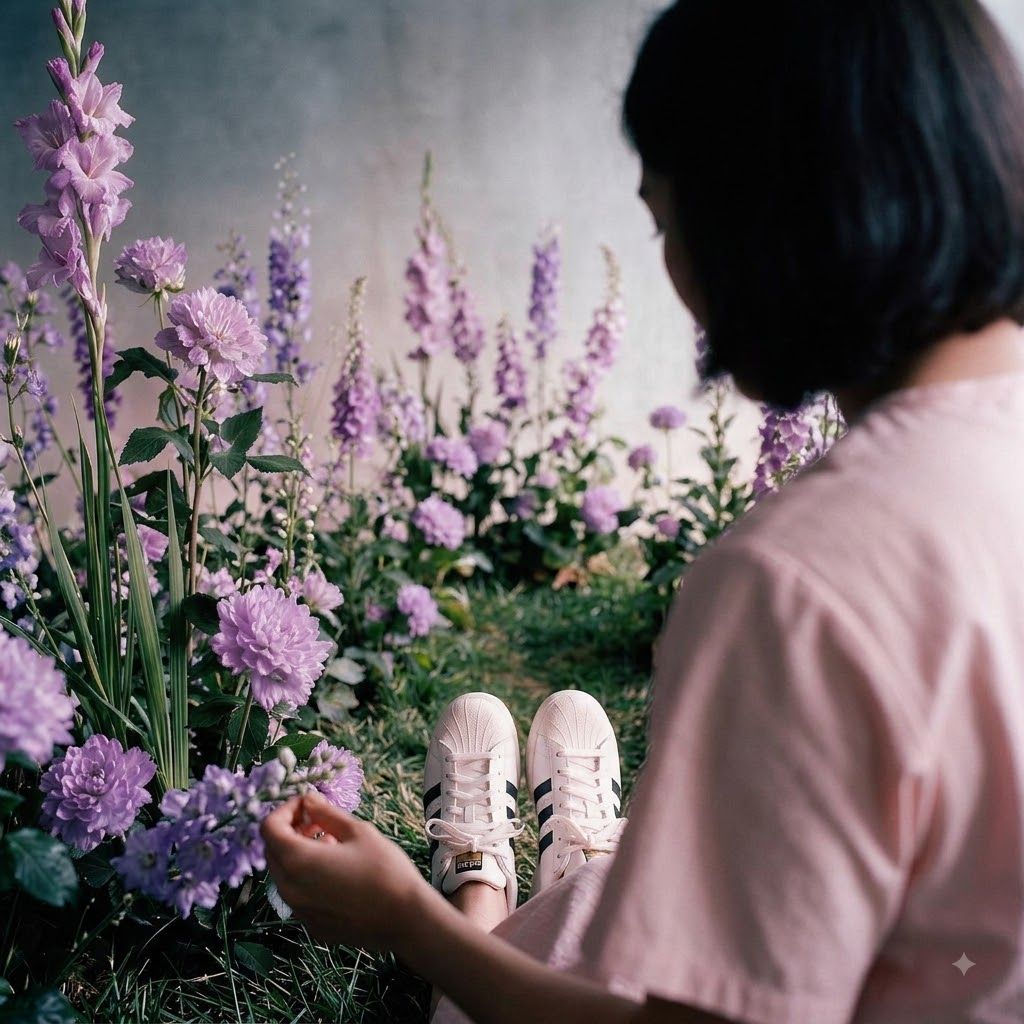
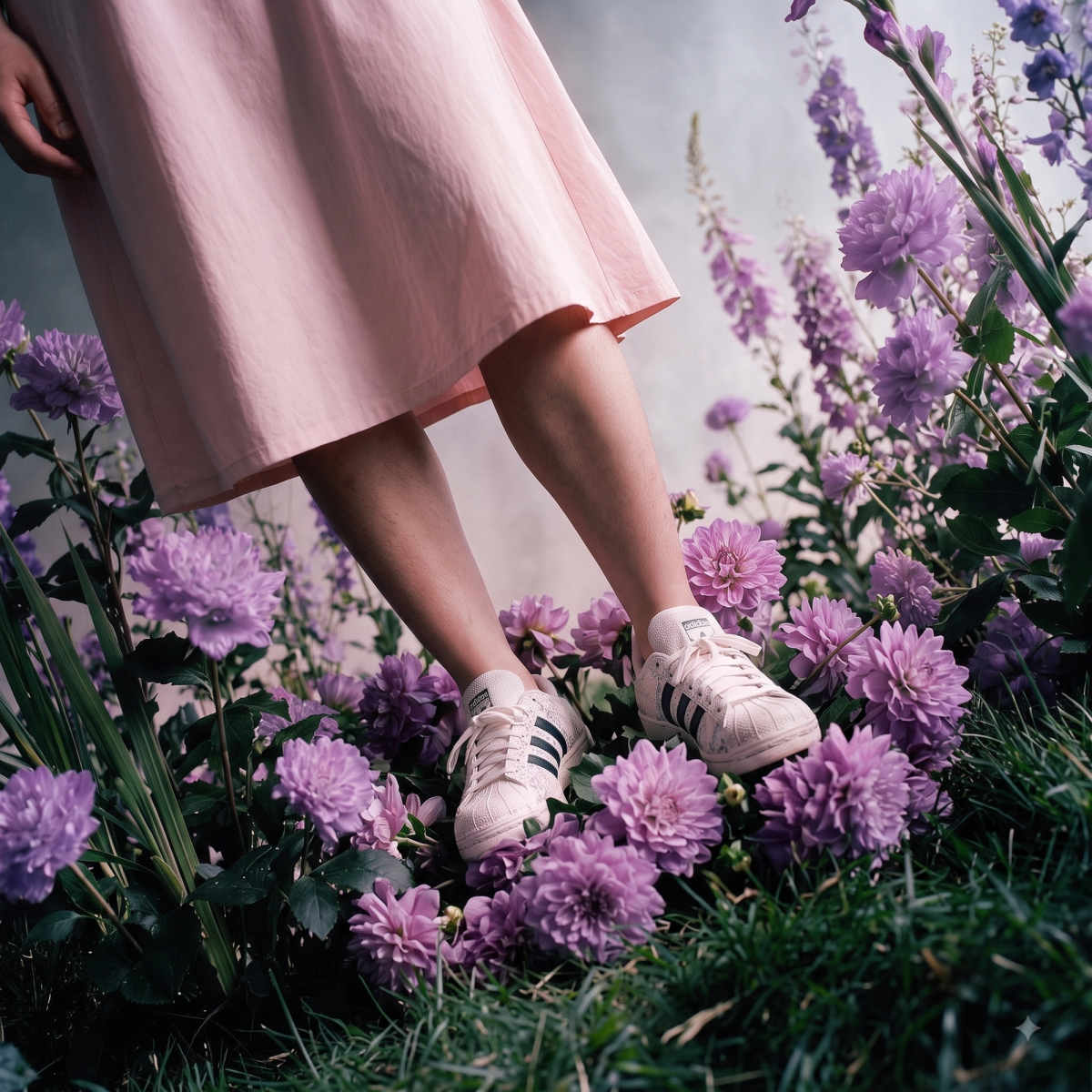
Tested With: A Pair of White Shoes
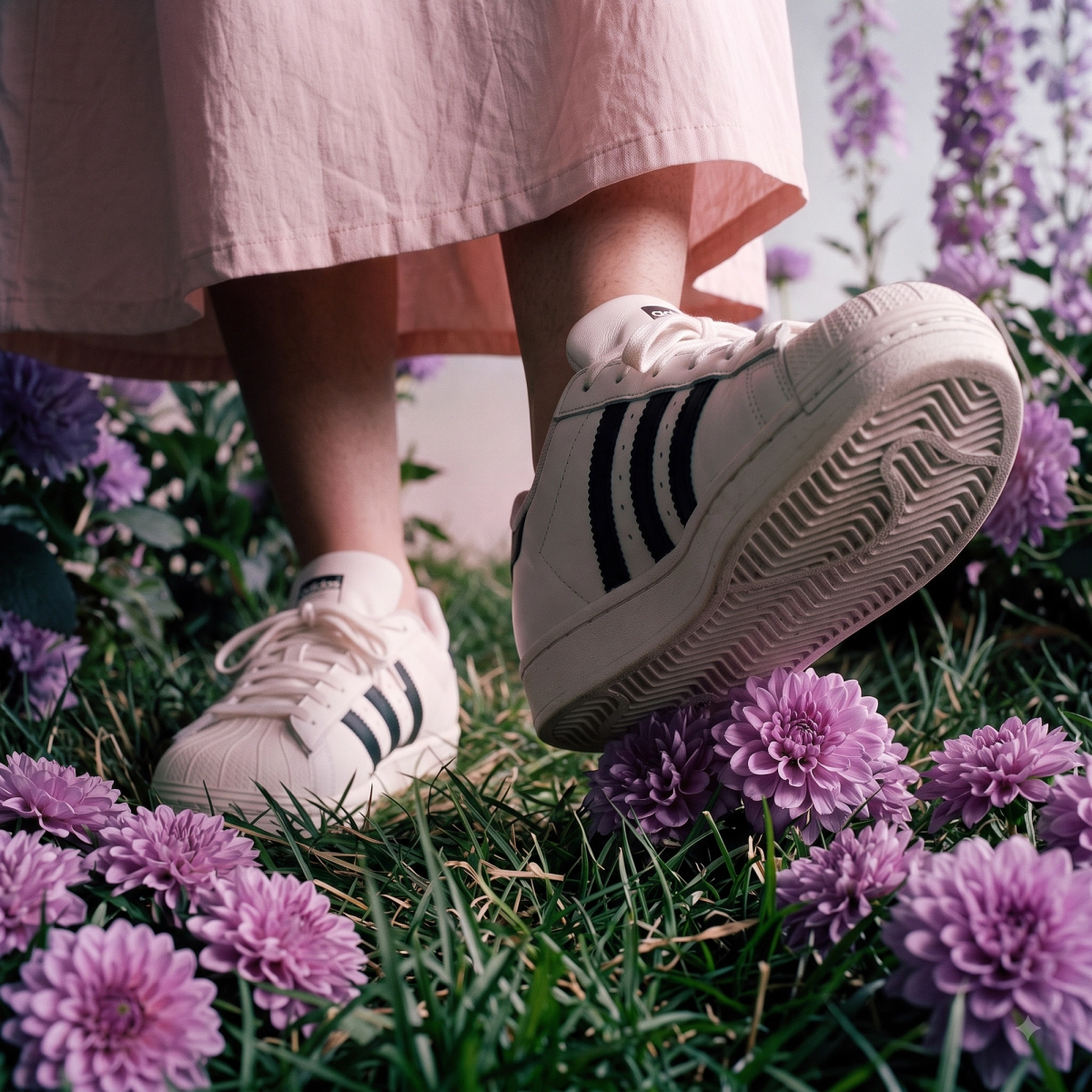
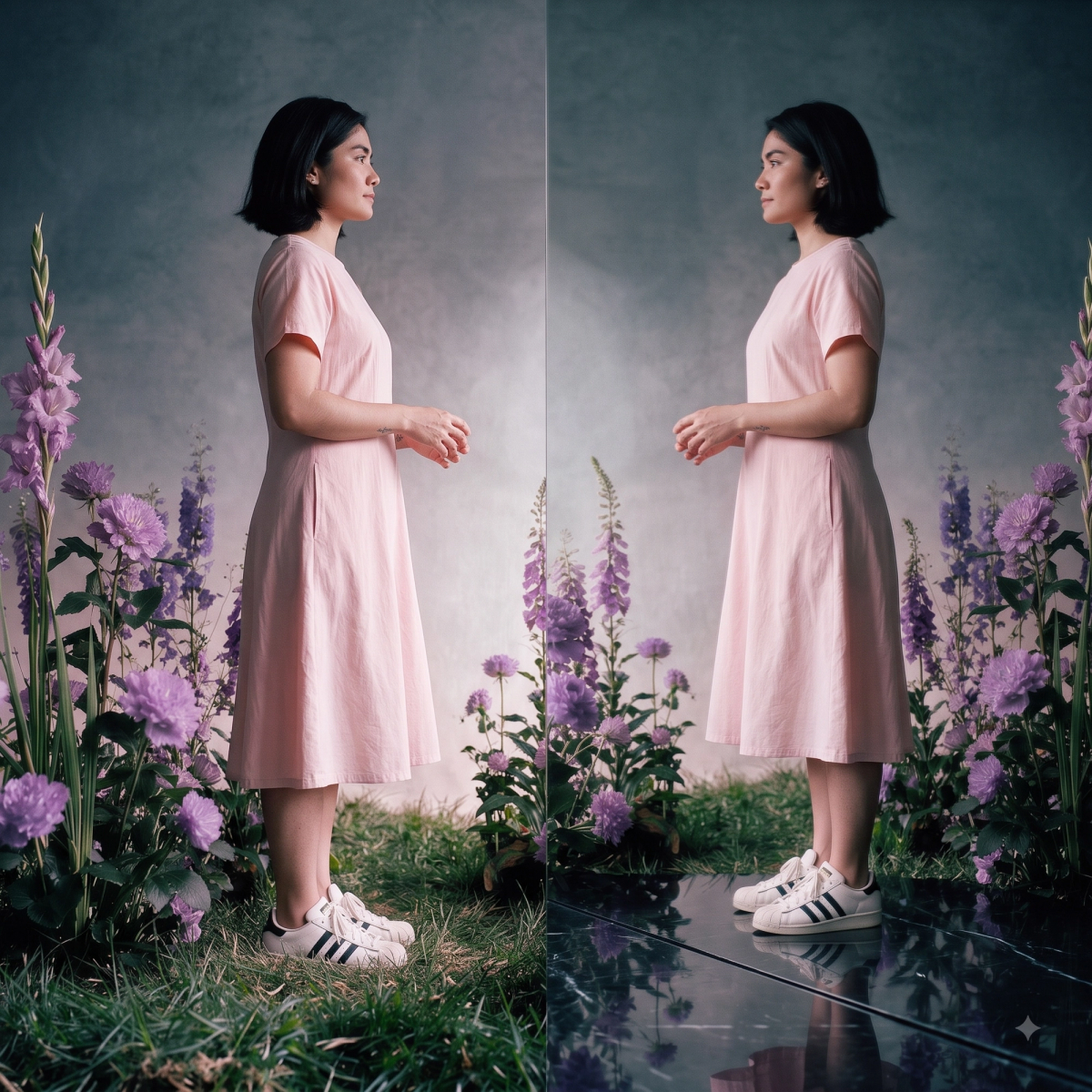
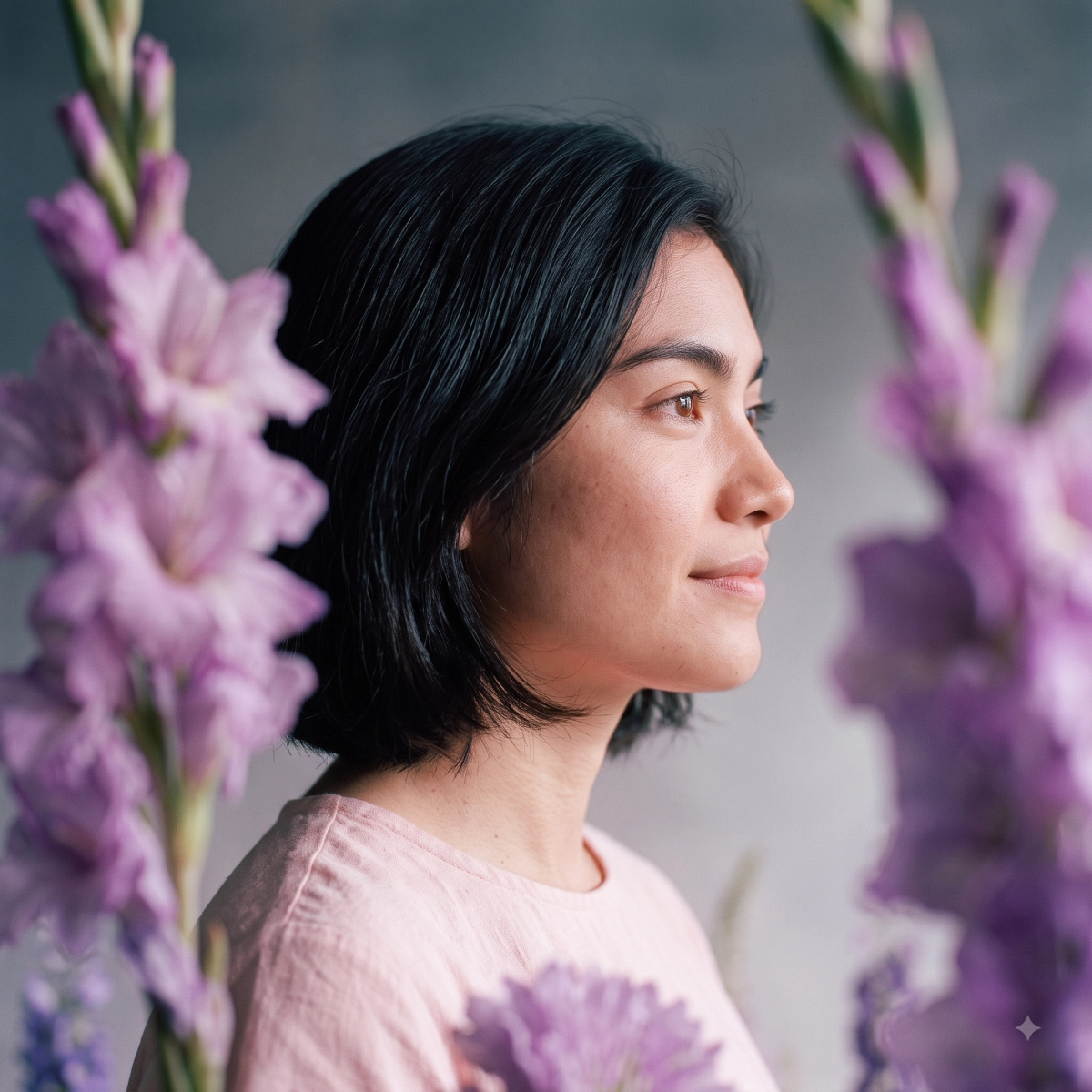
Here's the filled-in prompt this template is built from — written for a straightforward product shot of a pair of white shoes:
TASK: Generate 12 Image Generation Prompts for a Consistent Character/Environment Sequence
I need you to generate a set of 12 distinct, highly detailed prompts for an image generation model. The core challenge is to maintain strict character and environment consistency across all 12 prompts, while dramatically varying the camera perspective and angle for each image. The model, outfit, and location MUST be present in every single prompt. Use this description as the baseline for the subject and scene.
Generate a numbered list (1 to 12). For each number, output a complete, standalone prompt suitable for a high-quality image generator (like Nano Banana Pro). Each prompt must be unique and prioritize the specific camera angle listed below. The product in focus are the white shoes, keep the camera angles dynamic and realistic.
A Few Angles Worth Trying
Gemini usually lands on a solid, varied mix of its own accord — there's no need to feed it a list of angle names. But if one of the 12 doesn't land, or you want something specific it didn't offer, these are worth asking for by name:
- Close-up — texture, stitching, and material detail up close.
- Low angle — makes the product feel larger and more heroic.
- Bird's eye / top-down — flat-lay style, good for grid posts.
- Wide shot — the product placed in its full environment.
- Side profile — a clean silhouette, useful for catalog thumbnails.
- Three-quarter angle — the default hero shot most ads open on.
- Macro detail — logo, seams, or texture in extreme close-up.
- Back view — often skipped, useful for a full-turn carousel.
- Eye-level front-on — neutral, e-commerce-style product shot.
- Dutch / tilted angle — adds energy for Reels or Stories creative.
- Overhead flat-lay with props — a lifestyle-context shot.
- Hero silhouette — dramatic lighting with a single focal highlight.
Why This Beats a Reshoot for Ad Testing
Meta's Andromeda system is a big part of why this matters right now. Rolled out through late 2025 and into 2026, Andromeda sits in front of the ad auction: before an ad can even compete for a slot, it scans tens of millions of eligible ads and narrows them down to roughly 1,000 candidates for that specific person, in a fraction of a second. Ads that look visually similar to each other get grouped into a single "entity" and compete against each other for one shot at that shortlist, instead of each getting its own chance.
That's shifted where the real leverage is. Several independent 2026 analyses of Meta ad accounts have found that brands running 20 or more new creatives a month see meaningfully higher return on ad spend than brands testing fewer than 10, and that top-performing advertisers simply keep more live, genuinely distinct ads running at any given time than everyone else. Volume on its own doesn't do it — Andromeda treats near-duplicate creative as a single entity, so ten versions of the same static product shot are still competing against each other for one slot.
That's exactly the gap this workflow closes. One product photoshoot, worked into 12 genuinely different angles, gives an account a fresh batch of visually distinct creative to feed into testing, without booking a new shoot every time it needs new material.
It's just as useful for catalog and product-detail-page galleries, where a listing with only one photographed angle tends to convert worse than one with four or five.
A Few Things to Watch For
Start with a genuinely clean base photo. Blurry or oddly cropped source images carry their flaws into every one of the 12 angles.
Treat the batch run as a preview, not a final asset. All 12 at once is for judging the overall look and feel — regenerate individually for anything that's actually going into an ad.
Check fine details before anything goes live. Logos, text, and stitching are the first things an image model gets subtly wrong, even when the angle and lighting are otherwise perfect.
Keep the prompt-to-image mapping. If one angle needs a redo, you want to know exactly which of the 12 prompts produced it, rather than regenerating the whole batch.
Two minutes for the prompts and one photo shoot is a fair trade for a set of ad creative that used to need a studio day. The template above works for whatever's next in the pipeline — same process, different bracket.
Quick summary · key points
- ✓What You Need
- ✓The Workflow
- ✓The Master Prompt Template
- ✓Tested With: A Pair of White Shoes
- ✓A Few Angles Worth Trying
- ✓Why This Beats a Reshoot for Ad Testing