Gemini Image Prompt Trick: Copy Any Art Style From One Screenshot
You can copy an illustration style with AI using one screenshot. Upload the screenshot to Gemini and ask for a JSON style prompt. Then paste that prompt into a new chat to draw any scene, object or character in the same style. It is free and needs no other software. The match is close, not exact.
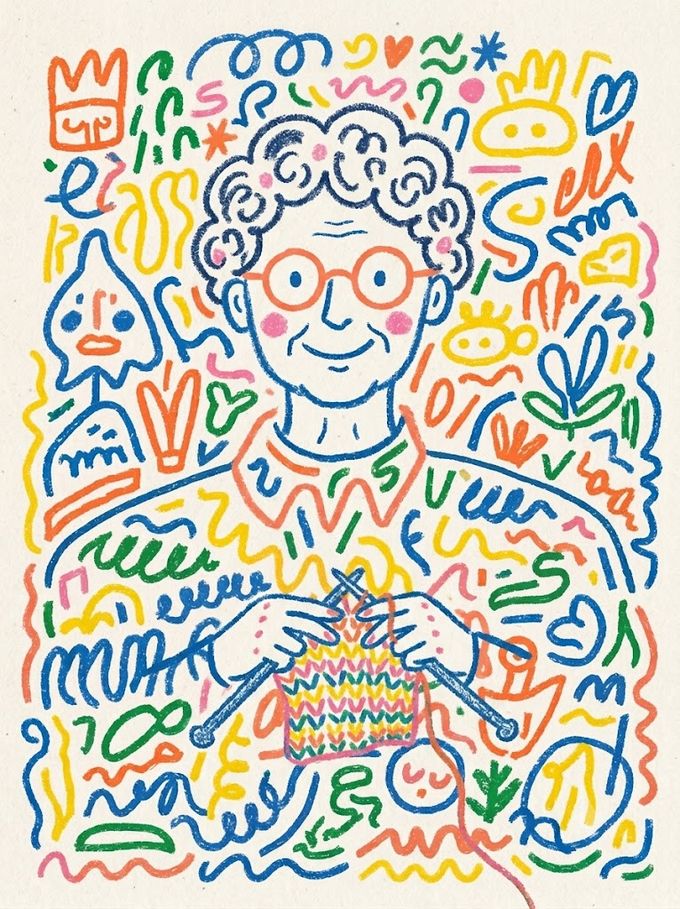
The short answer. You can copy any illustration's style with one screenshot. Upload it to Gemini, ask for a JSON style prompt, then paste that prompt into a new chat to draw any scene, object or character in the exact same style — no illustrator needed.
Normally, matching a very specific look — for custom packaging, a comic panel, or a one-off brand asset — meant briefing an illustrator and waiting on revisions. This trick turns any picture you like into a style you can call up on demand, whenever you need it.
How to turn a screenshot into a reusable style prompt
- Find an illustration you like — Pinterest, a book cover, anywhere — and screenshot or download it.
- Open Gemini and upload that screenshot.
- Ask it to study the image and write a detailed JSON style prompt: colors, line work, shading, texture, mood — everything that makes the style recognisable.
- Copy the JSON prompt it gives you.
- Start a new chat, paste the JSON prompt, and describe the new scene, object or character you want. Gemini draws it in the same style.
Study this illustration and write a JSON style prompt covering its colors, line style, shading and mood, so I can reuse it to generate other illustrations in the same style.
Why this is worth knowing
Once you have the JSON prompt saved, it works like a style key. Reuse it for packaging mockups, comic panels, social posts, or anything else — same look, endless subjects, and no illustrator on retainer.
- Use a clean, high-resolution screenshot — a blurry reference gives a blurry style.
- Test the style prompt on something simple first, then move to detailed scenes.
- Save the JSON prompt somewhere so you can reuse it later without redoing the first step.
In short
One screenshot, one JSON prompt, unlimited reuse. Find a style you like, get Gemini to write it down, and use it in a new chat to draw anything — packaging, comics, or any character — in that exact look. It costs nothing.
Frequently asked questions
Do I need any special software?
No — just Gemini. Any illustration you can screenshot works as a reference, and the whole thing is free.
Will the style match exactly?
Close enough for most everyday work. If the first result is a little off, describe what's different and ask Gemini to adjust the JSON prompt.